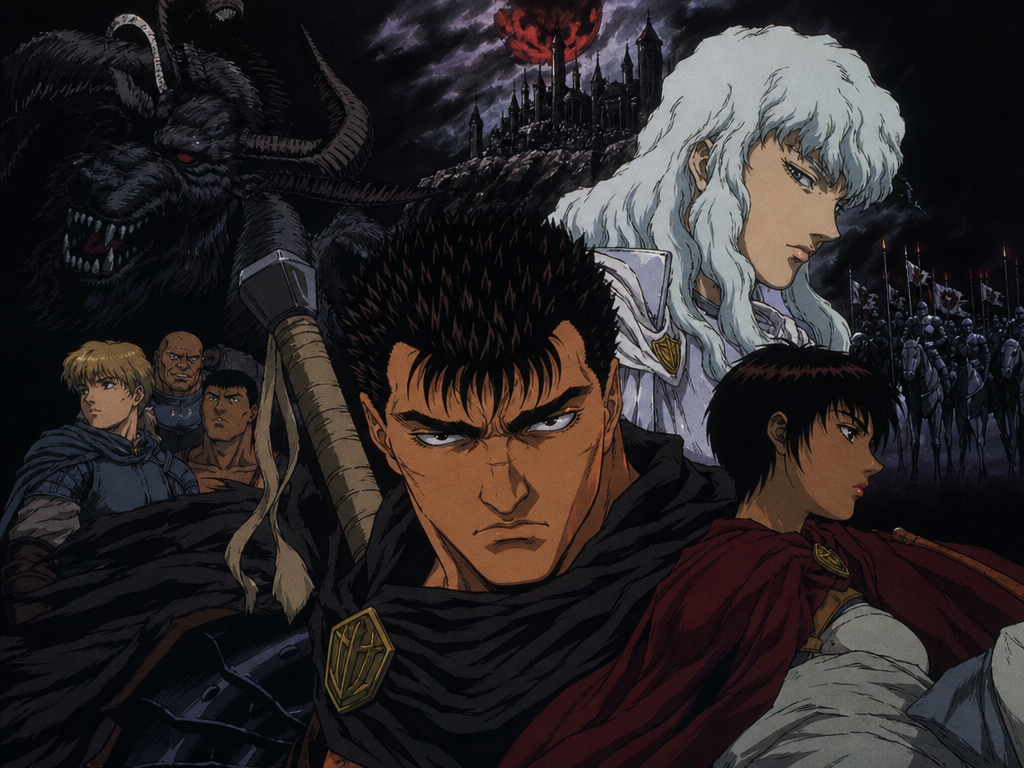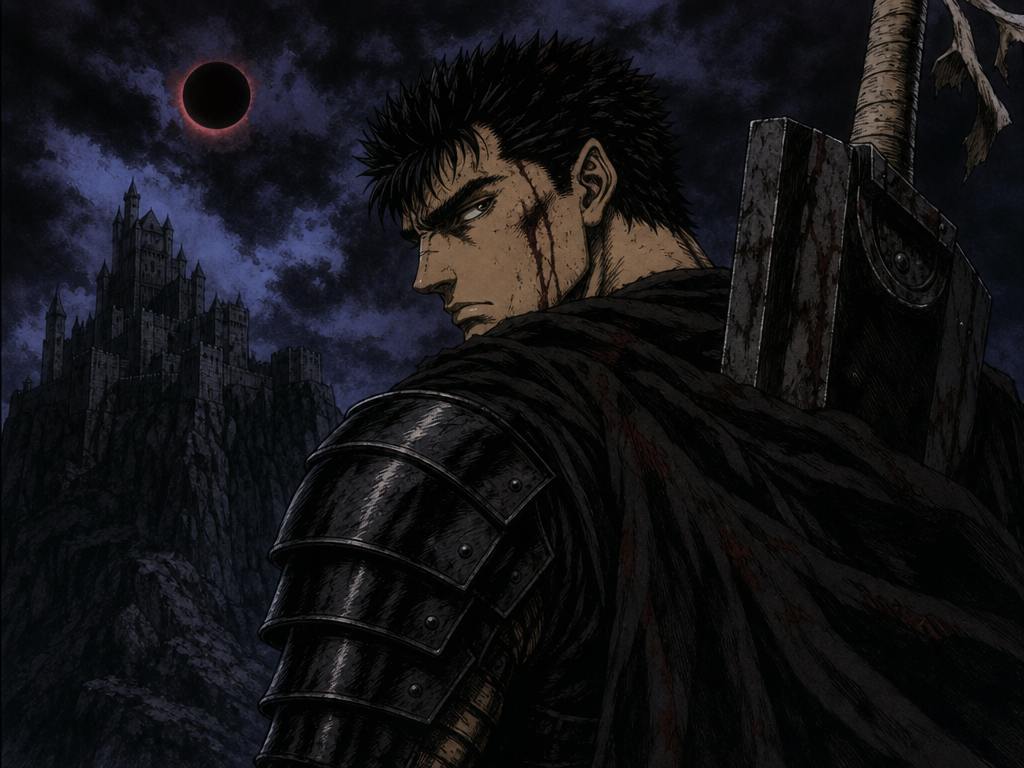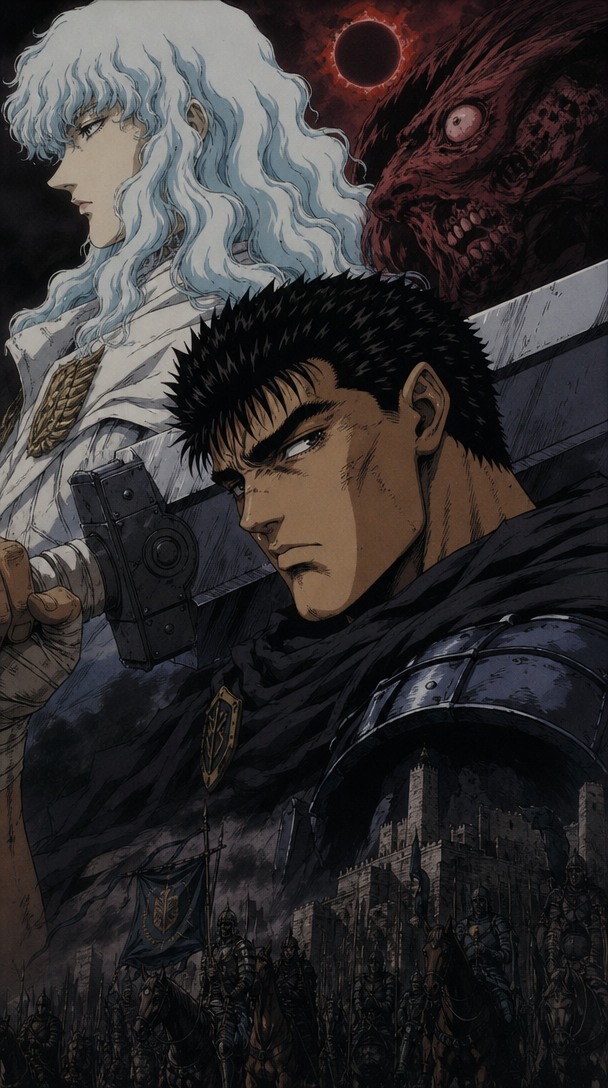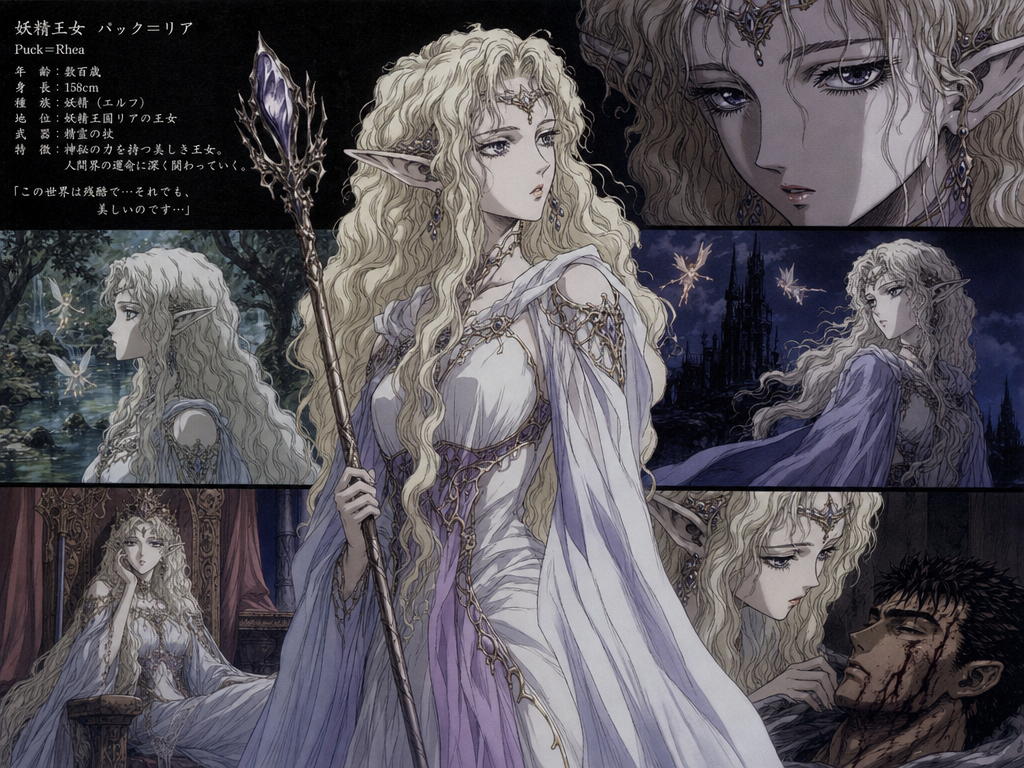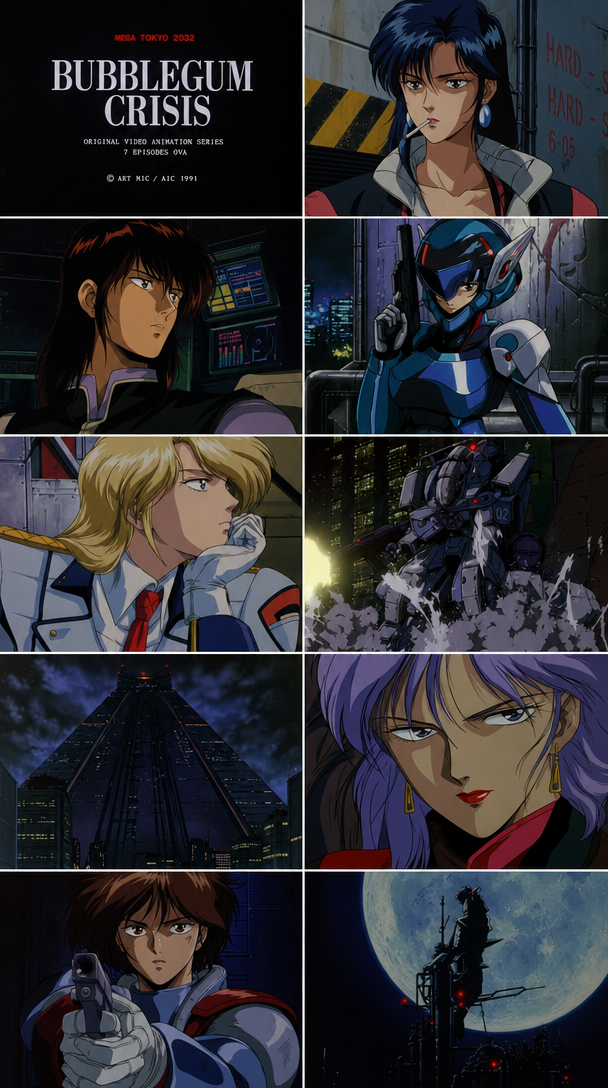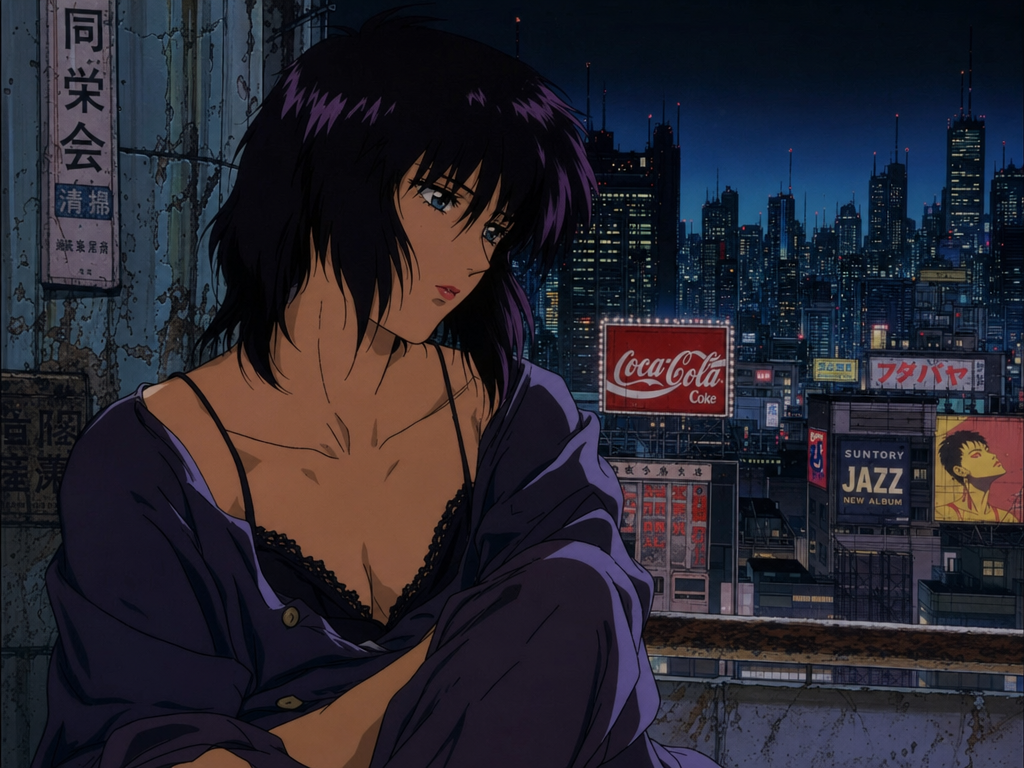
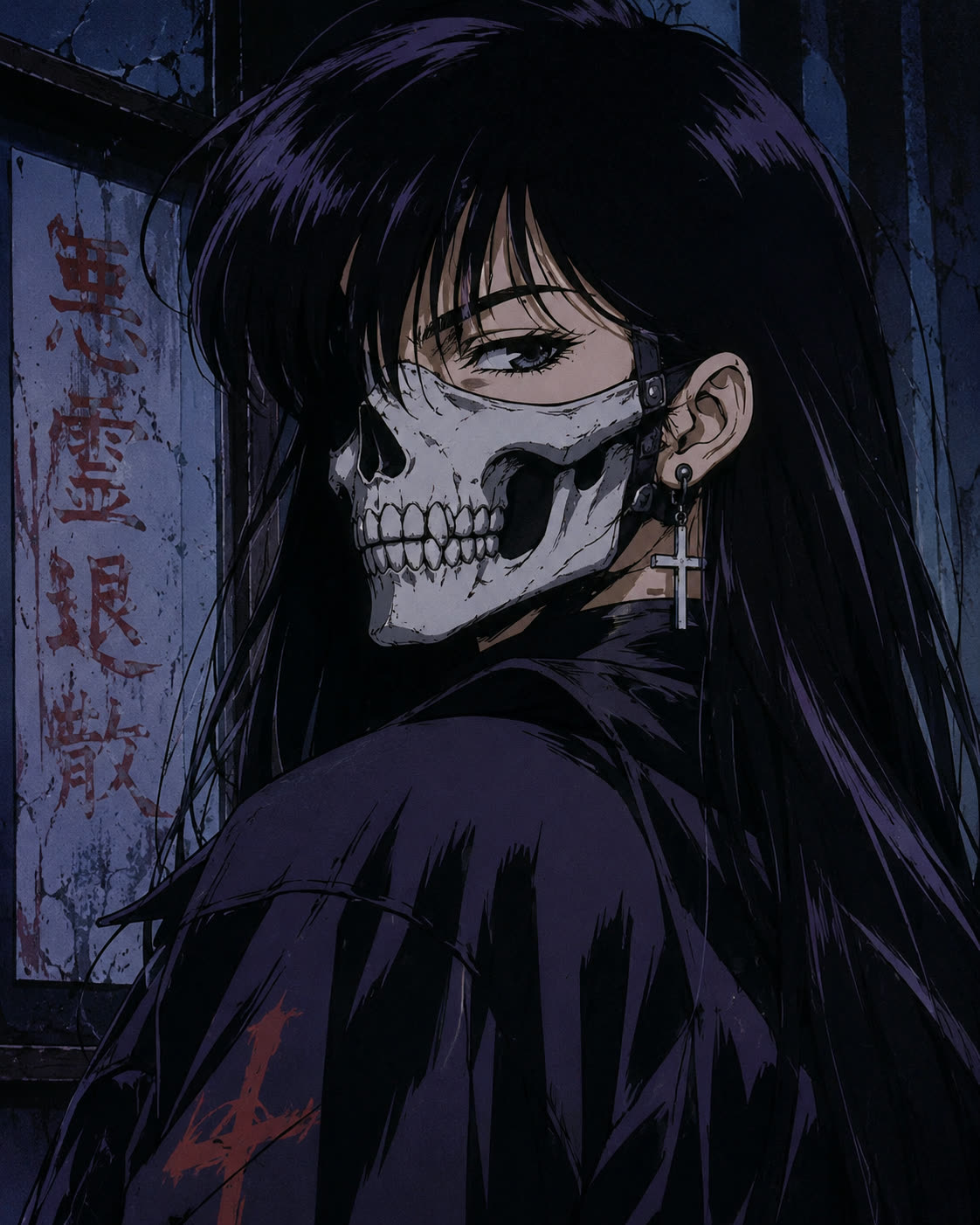
Imageopenaigpt-image-2-text-to-image
GPT Image 2
OpenAI's text-to-image with extremely detailed typography and strong instruction-following.
GPT guideVerified
OpenAI's image lines. GPT Image 1.5 (text-to-image) and GPT Image 2 (text-to-image + image-to-image with up to 16 references) are the flagships. GPT-4o Image is the multimodal-chat variant.
About this variant
Newer OpenAI image model — supports 20k-char prompts.
Strengths
- Best instruction-following + scene composition in our image catalog.
- GPT Image 2 accepts up to 16 reference images for style transfer / editing.
- Reliable for typography (better than Midjourney, behind Ideogram).
- Multimodal understanding — interprets reference images at semantic level, not just visual.
Weaknesses
- Premium pricing.
- Filters reject more prompts than competitors.
- Stylization is OK but not its strength.
Best for
- Complex scene composition with explicit positioning
- Brand-consistent work via reference packs (16 images)
- Diagrams, infographics, slides with text
Prompting tips
- Be explicit about subjects, positions, what's where.
- Long prompts work — GPT 2 supports up to 20,000 characters.
- Reference packs: include shots of the SAME subject from multiple angles for best consistency.
Parameters
- image_urlsarrayOptional. Add image(s) to edit them instead of generating from text.
- image_sizestringNo description.autosquare_hdsquareportrait_4_3portrait_16_9landscape_4_3landscape_16_9default: auto
- qualitystringNo description.lowmediumhighdefault: high
- num_imagesintNo description.default: 1range: 1 … 4
- output_formatstringNo description.jpegpngwebpdefault: png
Made with GPT Image 2
Real renders from the studio — open one for its full recipe.