
MAKE A 90s OVA
IN ONE EVENING.
The recipe we use to make cinematic anime shorts on KOANimation: generate the keyframe, animate it with Kling or Vidu, repeat for every beat, hand the clips to Mr. KOAN (or your editor of choice) for the final cut. Below is a real breakdown of the clip above — every prompt, every model, every step.
Heads-up on IP. Any prompt that recreates a copyrighted character (Berserk, Studio Ghibli films, Marvel, etc.) is the user's own responsibility. KOANimation Studios is a generation tool — we don't review prompts, can't verify rights, and can't be held liable for what creators generate. Make your own legal call before posting derivative work.
Five steps · five prompts.
Each card shows the exact prompt, the model we hit, the result it produced, and the next step it feeds. Hover any video to play.
- 01
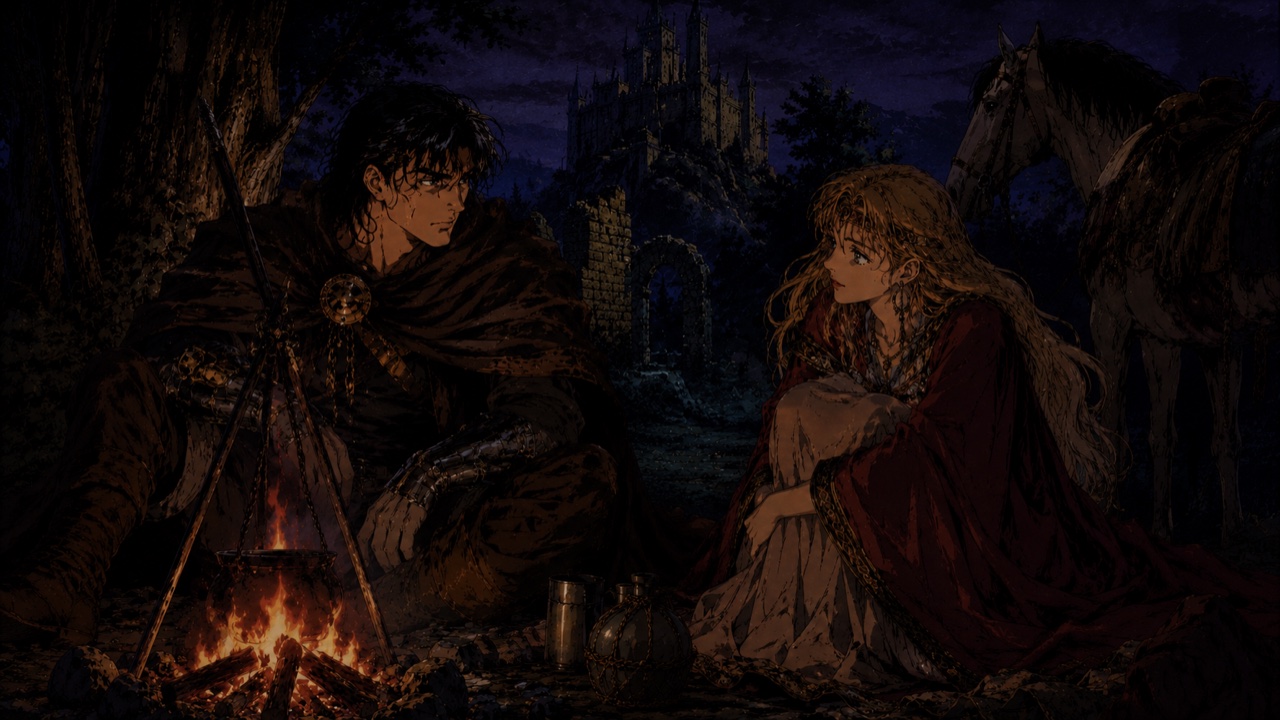 ImageGenerate the keyframeChatGPT (GPT Image 1.5 / 2)
“a man and woman during a campfire, 90s OVA”
Start with the cleanest keyframe you can. The video model will animate FROM this still, so any detail you skip here disappears at 24fps.
- 02VideoAnimate it (multi-shot)Kling v3 Pro · multi_shot
“The man and woman enjoy their campfire together”
multi_shot returns several alternate views you can stitch together. Drop them into CapCut (or any editor) and pick the cleanest cut.
- 03
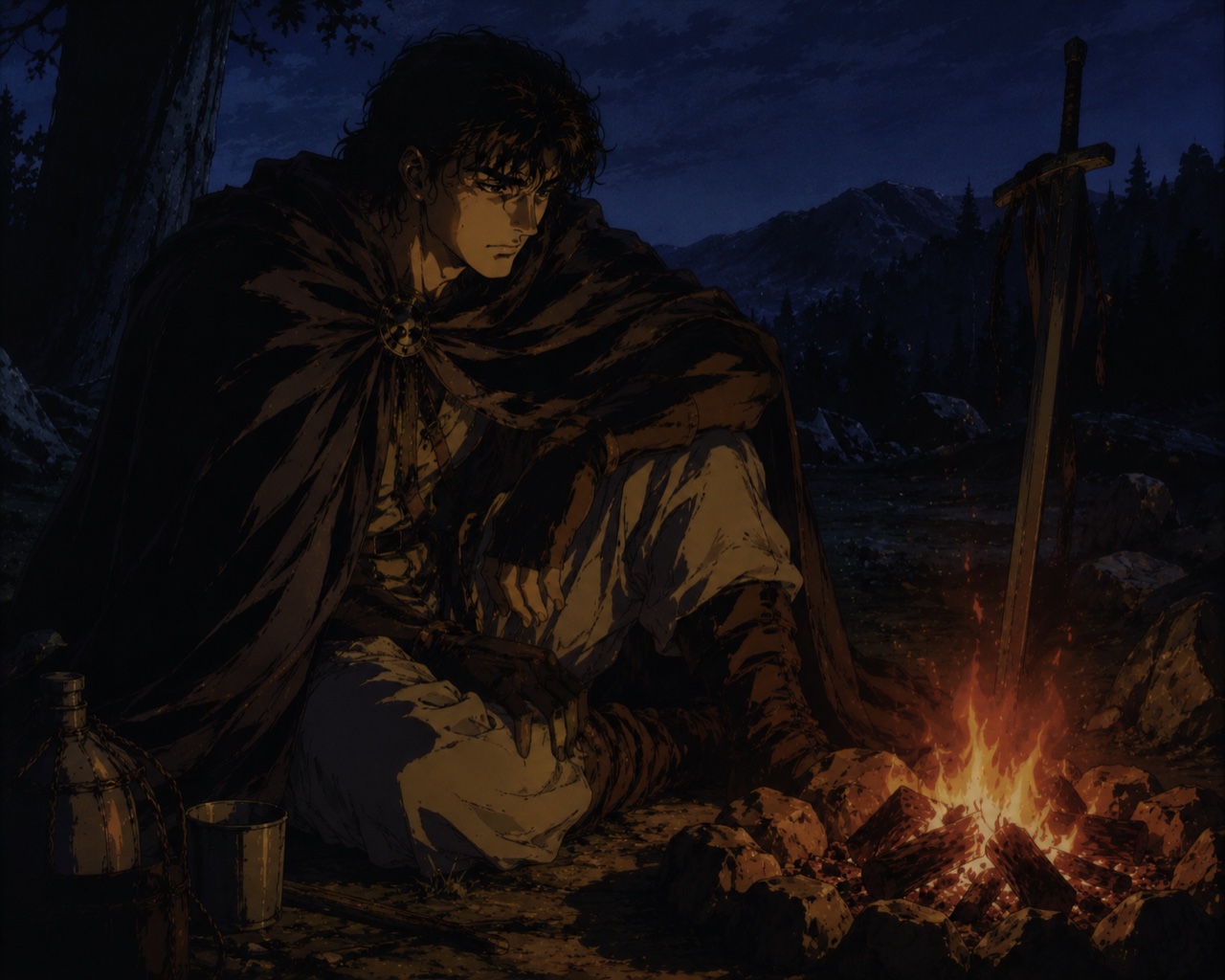 ImageCut to the next keyframeChatGPT (GPT Image 1.5 / 2)
“a man alone at a campfire, 90s OVA ANIME”
Keep the world-style consistent — same lighting, same era, same lens vocabulary. The audience won't accept a scene cut that breaks the OVA grade.
- 04VideoAnimate with intentKling v3 Pro · multi_shot
“The man enjoys his campfire until something makes a sound from a distance. Something scary.”
Give the model a beat — a small story arc inside the 5 seconds. Generic 'subject sits there' prompts feel dead; tension prompts feel cinematic.
- 05ImageContinue onwards…Mr. KOAN
“Loop steps 1–4 for each new beat of the scene.”
Once you have 4–8 clips, hand them to Mr. KOAN — or drop them in CapCut / DaVinci for full timeline control. Mr. KOAN's auto-stitch normalises to 720p and concatenates in order.
The actual model stack.
For animating: Kling v3 Pro and Vidu Q2 are the only two we recommend for OVA-style work today. For keyframes: GPT Image 1.5 is the strongest at instruction-following; AI Anime Generator is fastest if you just need a cel-shaded base.
- Kling v3 Pro · text→videoTOP
The motion king. Best for action, anime fight scenes, dramatic camera.
- Kling v3 Pro · image→videoTOP
Animate from a still. Supports multi_shot for alternate angles.
- Vidu Q2 · reference→image (still)
Vidu's still model — drop 1–3 references for a keyframe-quality still.
- Vidu Q3 Mix · reference→video
Drop character references + prompt → animated short. Great for consistent characters.
- Vidu Q3 Turbo · text→video
Cheap, fast Vidu — solid fallback when the Pro tier is busy.
Hand the clips to Mr. KOAN — or your editor
Once you have 4–8 clips, brief Mr. KOAN with the cut you want and he'll auto-stitch into one 720p mp4 in your library. Prefer manual control? Drop the clips into CapCut or DaVinci for full timeline editing — same files, more knobs.
Open Mr. KOAN